[trustindex no-registration=google]
Webportal manual
Scroll to view the entire table

- Before you will be able to search for parts, you will need a webportal account.
If you don’t have an account for our new webportal, you can request access.
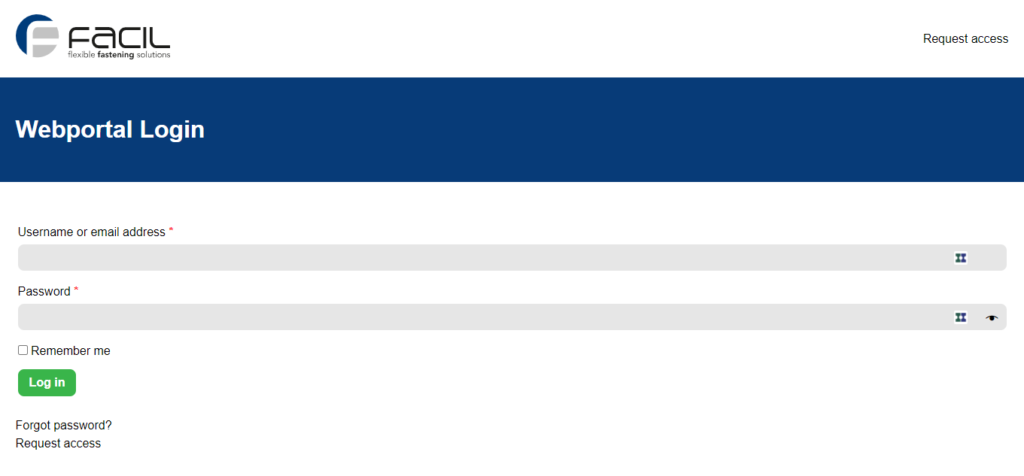
- After logging in, you can search for parts.
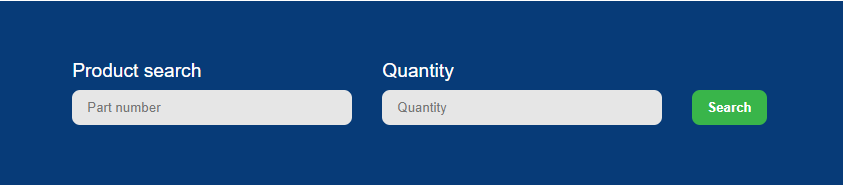
- After searching for the desired partnumber and quantity, you will see the availability, price, box qty and leadtime. With the cart icon you can add the parts to your shopping cart.

- After adding the parts succesfully to your cart, you will see the notification as below. You can click the button “View cart”, or click the Shopping cart icon at the top of the screen.

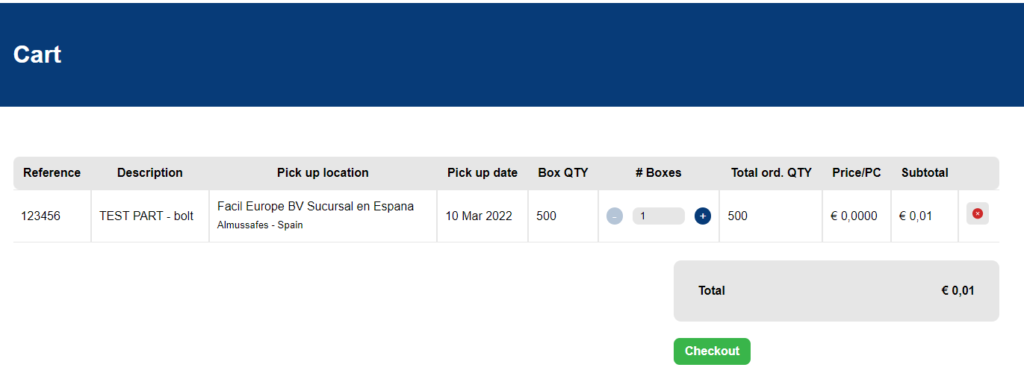
- In the cart, you can check the partnumber, description, pickup location, pickup date, box quantity an prices. Click the “Checkout” button, to proceed to the checkout screen.
In the cart, you are able to change quantities if needed.
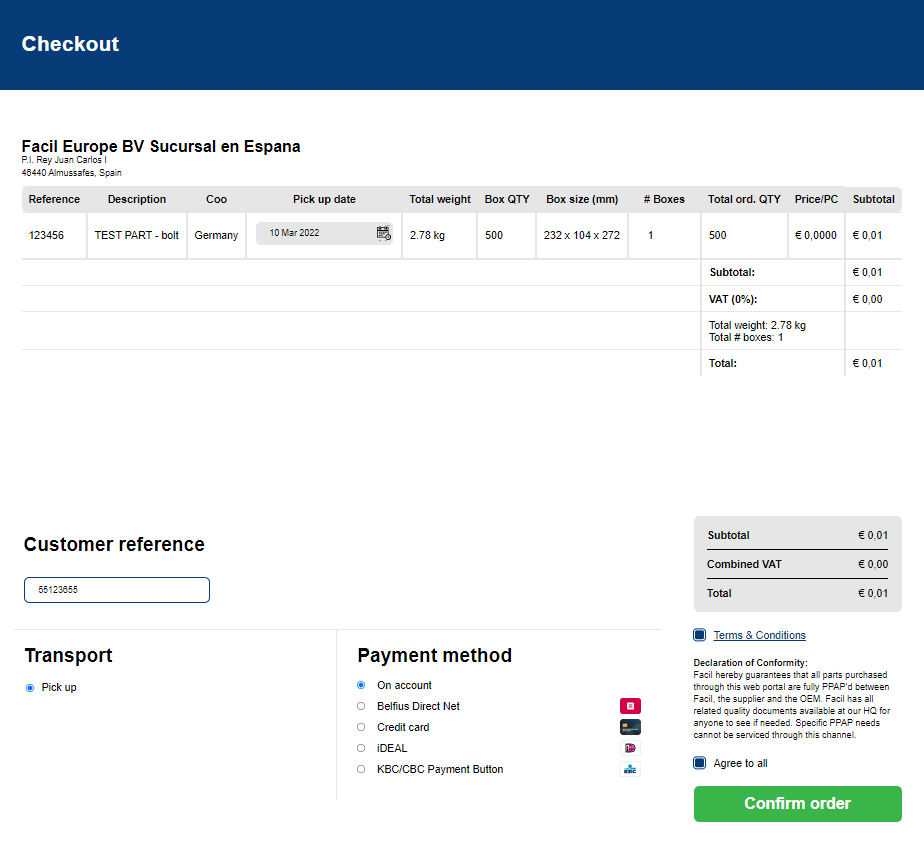
- In the checkout screen, you are able to check the total overview of your order. You will also see the COO an weigth for the parts, and will be able to change the desired pickup dates.
Also, you are able to fill in your reference, choose the right transport and payment method, and you have to accept our terms & conditions.
- After you click the button “confirm order” and the payment is finished (or in case of on account), you will receive an order confirmation by email
If you encounter any problems or would like to suggest any improvements, please let us know.
You can reach Davy Heuts, our E-Commerce Manager at:
+31-624581623 or davy.heuts@facil.be